
Download Pimosa – video editor, photo editor, audio editor, media converter, batch processing, mobile editing tool
Overview
Pimosa is a multifunctional media editing application designed for users seeking an all-in-one solution for managing and refining digital content directly from their smartphones. The app consolidates essential tools for editing videos, photos, and audio files, offering a streamlined workflow that supports both casual users and those with intermediate editing needs. By integrating video compression, format conversion, trimming, merging, and rotation with image resizing, cropping, and format conversion, Pimosa addresses common challenges in mobile content creation and management. Its batch processing functionality further enhances efficiency, enabling users to apply edits across multiple files simultaneously—ideal for content creators, social media managers, or anyone handling large volumes of media.
The app is particularly valuable in today’s mobile-first content ecosystem, where quick, on-the-go editing is essential. Whether preparing a video for a social post, optimizing a photo for web use, or extracting audio from a clip, Pimosa provides accessible tools without requiring complex software. Target users include students, freelancers, influencers, and small business owners who need reliable, lightweight editing capabilities. While the developer, Pimosa, has not provided additional background details, the app’s focused design suggests a clear intent to simplify media workflows on Android devices. The release date of November 20, 2024, marks its debut as a lightweight, free utility in the growing productivity category.
Key Features & Functionality
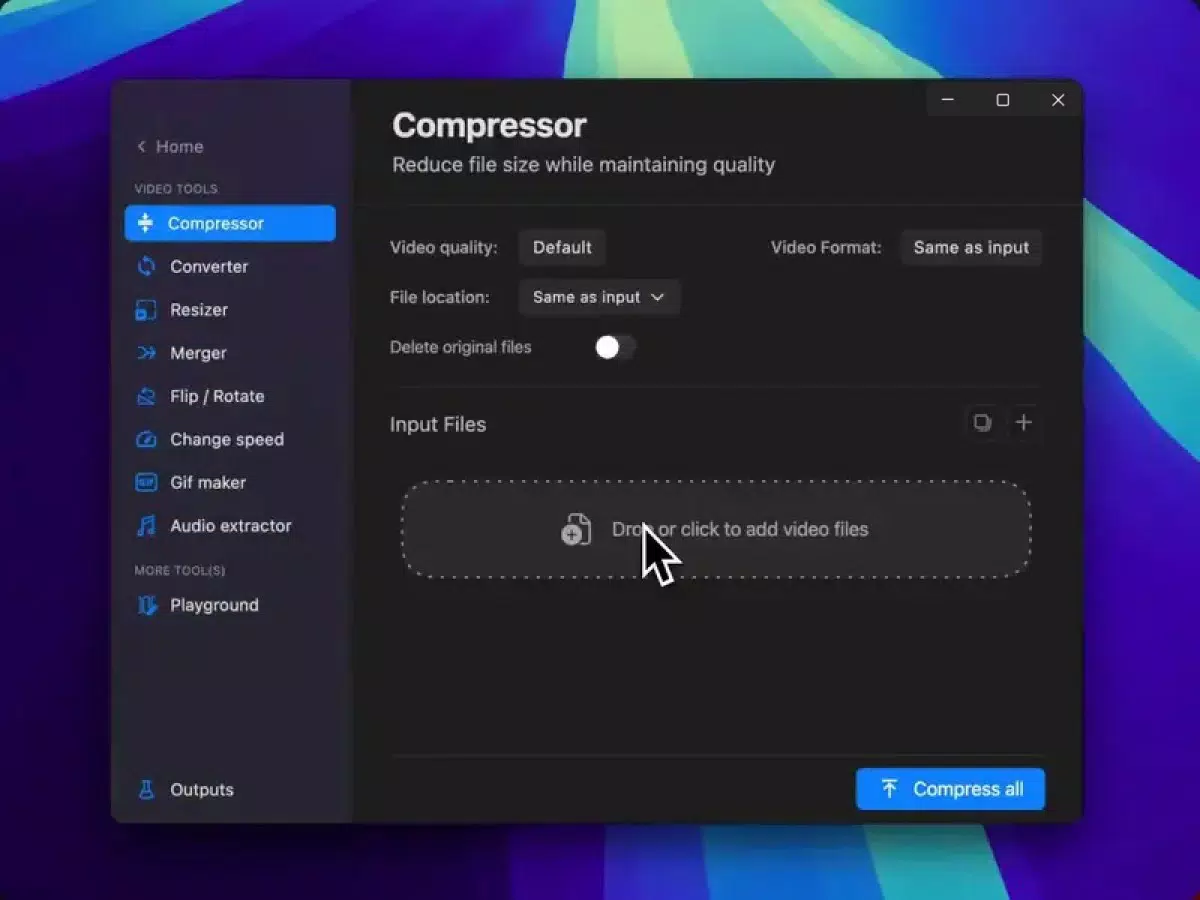
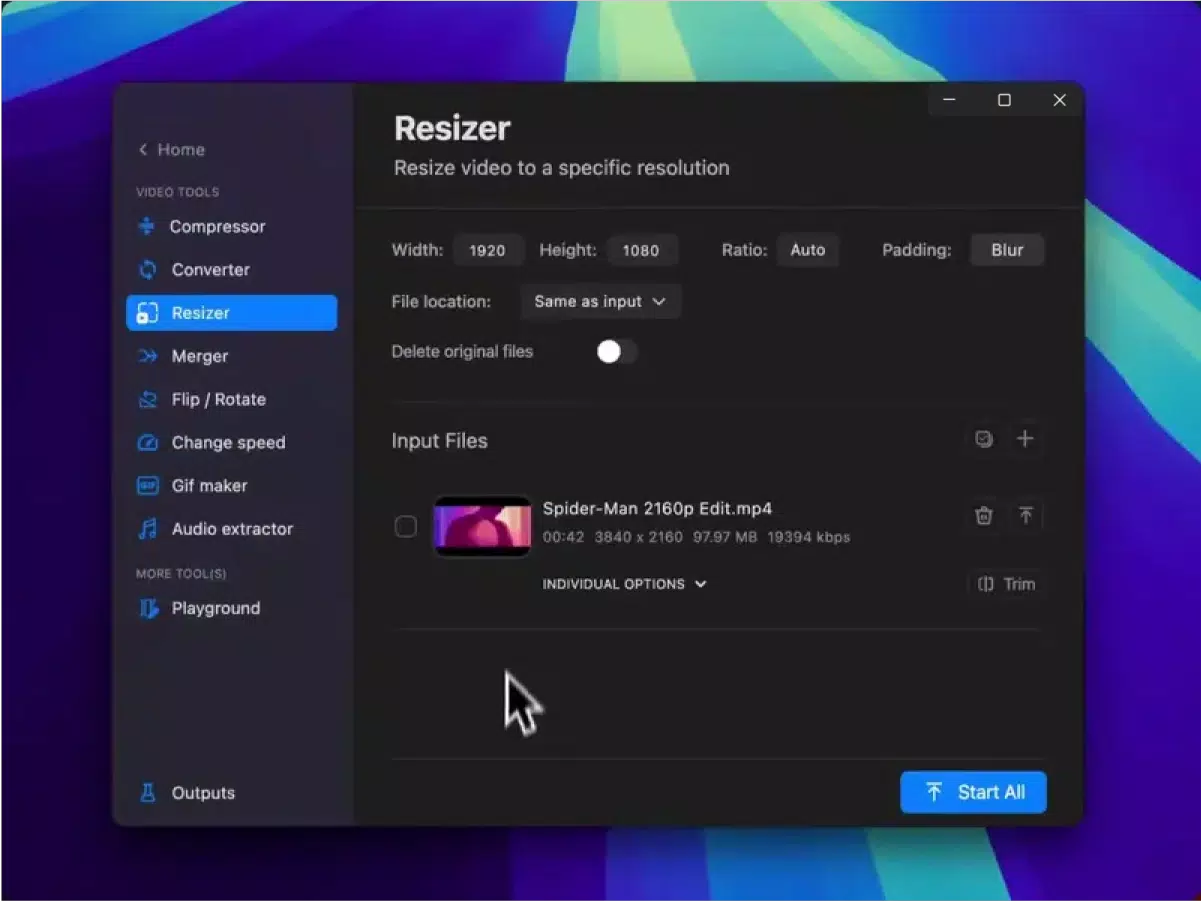
- Video Editing Suite: Pimosa enables users to compress, merge, resize, rotate, trim, and cut video clips. Playback speed adjustments and horizontal/vertical flipping allow for dynamic edits. Format conversion and audio extraction from videos further expand its utility.
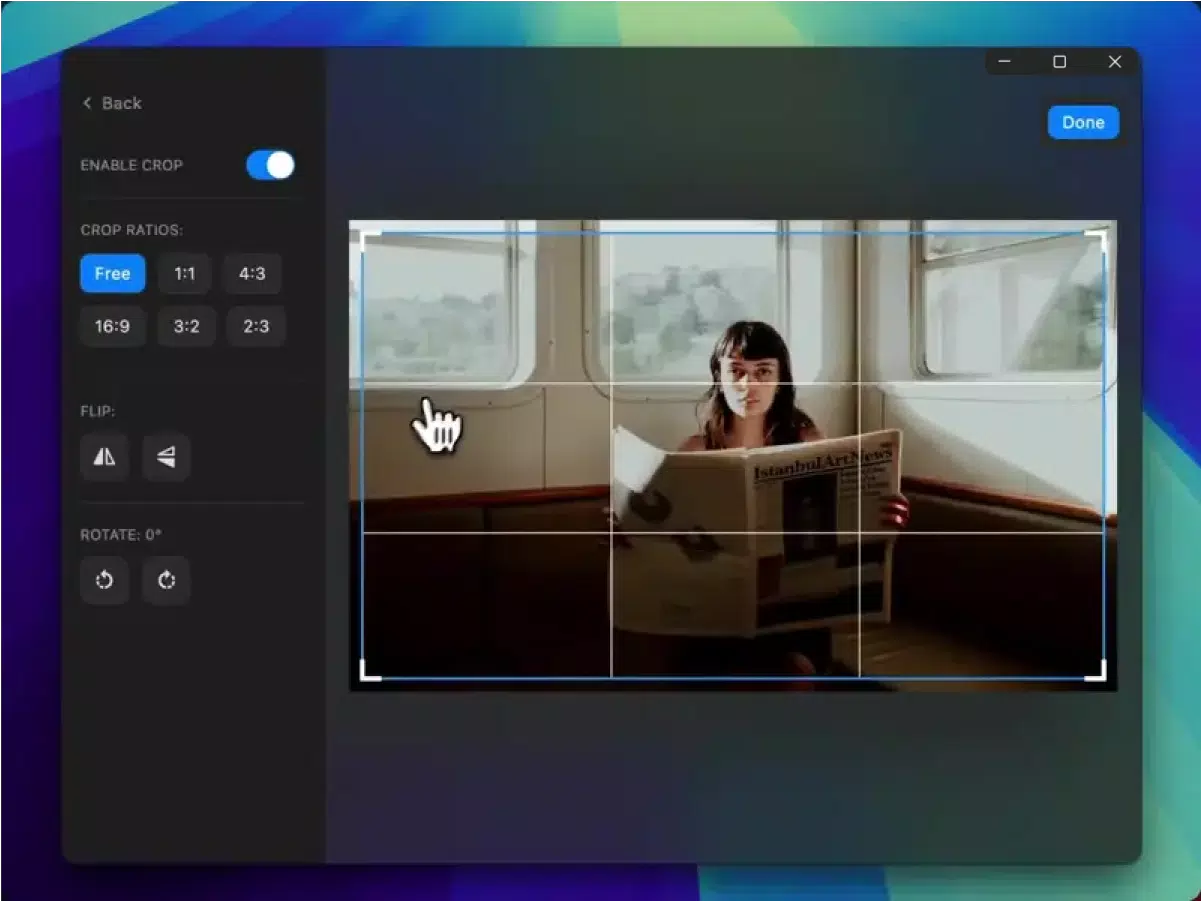
- Image Optimization Tools: Users can convert, compress, resize, and crop images with precision. These tools help reduce file size for faster sharing while preserving visual quality—ideal for preparing images for email, web, or social platforms.
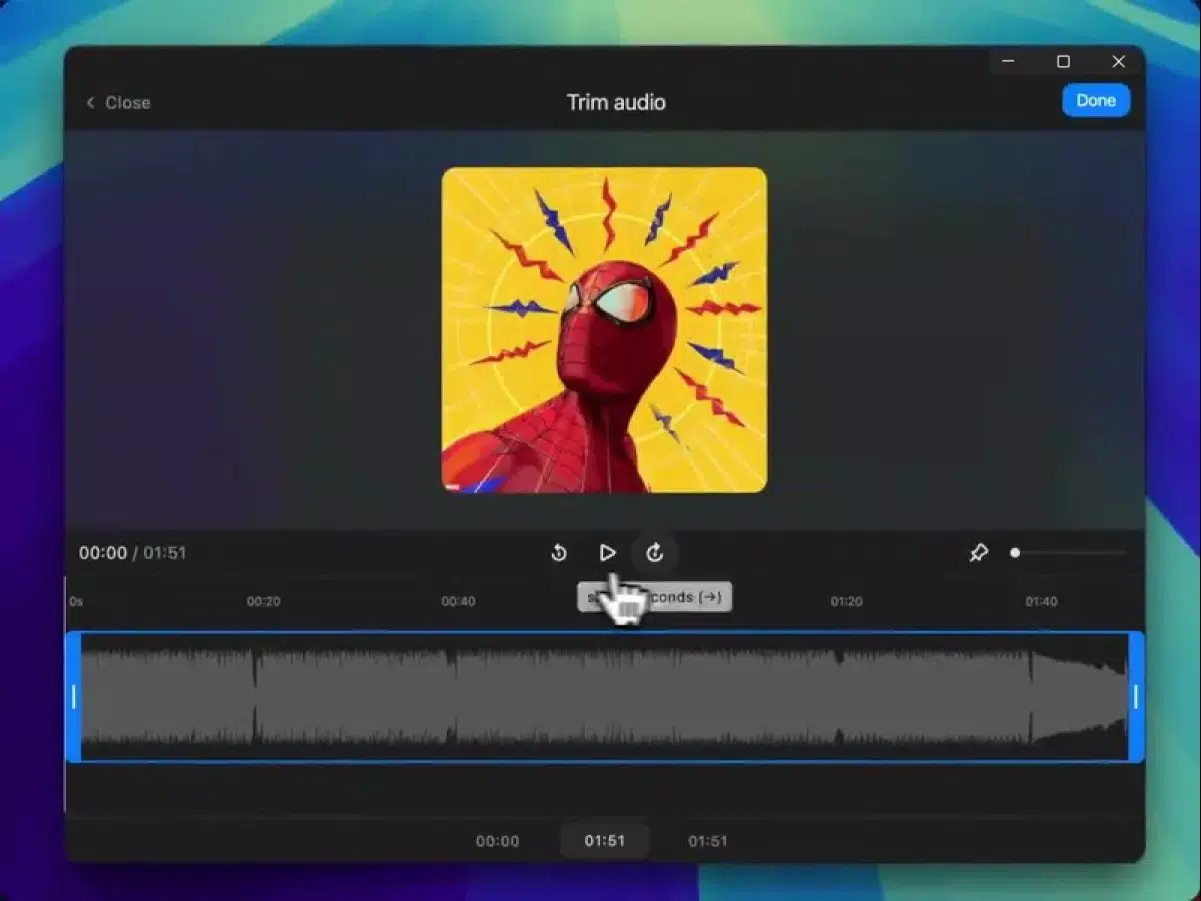
- Audio Editing Capabilities: The app supports audio extraction from video files, format conversion, and metadata editing. It also allows users to generate waveform visualizations from audio, adding a creative dimension to sound files.
- Batch Processing: One of Pimosa’s standout features is its ability to apply the same edit across multiple files at once. This significantly reduces time spent on repetitive tasks, especially when managing collections of photos, videos, or audio clips.
- Intuitive Categorization: Tools are organized into clearly labeled categories—video, photo, audio—making it easy to locate and use the right feature without confusion. This layout enhances usability for users of all experience levels.
For example, a content creator preparing a weekly social media package can use batch processing to resize and compress 20 video clips in a single action. Similarly, a student compiling a multimedia presentation can extract audio from several videos and convert them to a consistent format. These real-world applications highlight Pimosa’s practicality and efficiency in everyday digital workflows.
Interface, UX & Performance
Pimosa features a clean, minimalist interface that prioritizes accessibility and ease of navigation. The layout is logically structured, with each media type—video, photo, audio—represented by a distinct icon and labeled section. This visual organization allows users to quickly identify and access the desired tools without unnecessary steps. The app’s navigation is linear and consistent, minimizing cognitive load and supporting a smooth user experience.
Although the developer did not list formal performance metrics, the app’s lightweight size of 32.5 MB suggests optimized resource usage. It is expected to run efficiently on a range of Android devices, including mid-tier and entry-level smartphones. Responsiveness appears to be well-balanced, with minimal lag during basic operations like trimming or resizing. Stability is likely maintained through focused functionality, avoiding the bloat common in feature-heavy editing apps.
Users can expect consistent performance across different screen sizes and resolutions, though specific device compatibility was not disclosed. The absence of complex animations or heavy visual effects contributes to faster load times and smoother interactions. Overall, the UX design reflects a strong emphasis on usability, making Pimosa suitable for both novice users and those seeking a no-frills editing companion.
Platform Compatibility & Technical Requirements
Pimosa is available exclusively on the Android platform. The app is compatible with Android devices running the minimum OS version specified in its release package, though exact requirements were not listed by the developer. The app’s file size is 32.5 MB, which indicates a lightweight footprint suitable for devices with limited storage capacity.
As of its release date on November 20, 2024, Pimosa is available as a free download from official Android distribution channels. No additional permissions or system-level access were mentioned in the provided data. The app’s version is 1.0.0, marking its initial public release. Users are encouraged to keep the app updated to ensure compatibility with future Android releases and to benefit from potential performance improvements or bug fixes.
Pros and Cons
Pros
- Free to download and use with no in-app purchases
- Comprehensive set of tools for video, photo, and audio editing
- Efficient batch processing for handling multiple files at once
- Lightweight size (32.5 MB) suitable for low-storage devices
- User-friendly interface with intuitive categorization
Cons
- Developer did not provide detailed system requirements or compatibility information
- Specific performance benchmarks or device optimization data were not disclosed
- No mention of cloud integration or cross-device synchronization
- Limited information on update frequency or long-term support plans
- Only available on Android; no iOS or other platform support was indicated
FAQ
Is Pimosa safe to download and install?
Yes, Pimosa is available as a free Android app from official distribution channels. The developer has not reported any known security risks, and the app’s lightweight size suggests minimal risk of malicious behavior. Always download from trusted sources to ensure safety.
Can I use Pimosa on iOS devices?
Currently, Pimosa is only available for Android. There is no official iOS version or indication of future release on Apple’s platform.
Does Pimosa require internet access?
Basic editing functions such as trimming, resizing, and format conversion can be performed offline. However, certain features like cloud syncing or updates may require internet access.
How often is Pimosa updated?
The developer has not disclosed a regular update schedule. Users are advised to check for updates through the app store to ensure they have the latest version.
Can I edit multiple files at once?
Yes, Pimosa includes a batch processing feature that allows users to apply the same edit—such as resizing or format conversion—to multiple files simultaneously, significantly improving workflow efficiency.
Final Thoughts
Pimosa stands out as a practical, no-frills mobile editing tool that delivers strong functionality without unnecessary complexity. Its ability to handle video, photo, and audio editing within a single lightweight app makes it a valuable asset for users who need quick, reliable tools on the go. The inclusion of batch processing sets it apart from many basic editors, offering tangible productivity gains for frequent users. While the app lacks advanced features found in desktop software, it excels in simplicity, accessibility, and performance on Android devices.
Whether you're a student preparing a presentation, a content creator managing social media, or someone simply looking to edit media without installing bulky software, Pimosa offers a streamlined solution. Its free pricing model and efficient design make it a compelling choice in the productivity space. With a clear focus on user experience and core editing tasks, Pimosa proves that powerful tools don’t need to be complicated.
Download Pimosa now


